Multi-Module Business Operations Suite

BPT Solution Cloudfor real business operations

See the modules first, choose the right plan, then register your organization with POS, inventory, procurement, finance, people operations, approvals, and setup guidance in one workspace.

BPT Solution Cloud module workspace preview
6 business families

Preview the operating suite before registration

This is the full business-area explorer. Your selected plan still decides exactly which modules are included during registration.
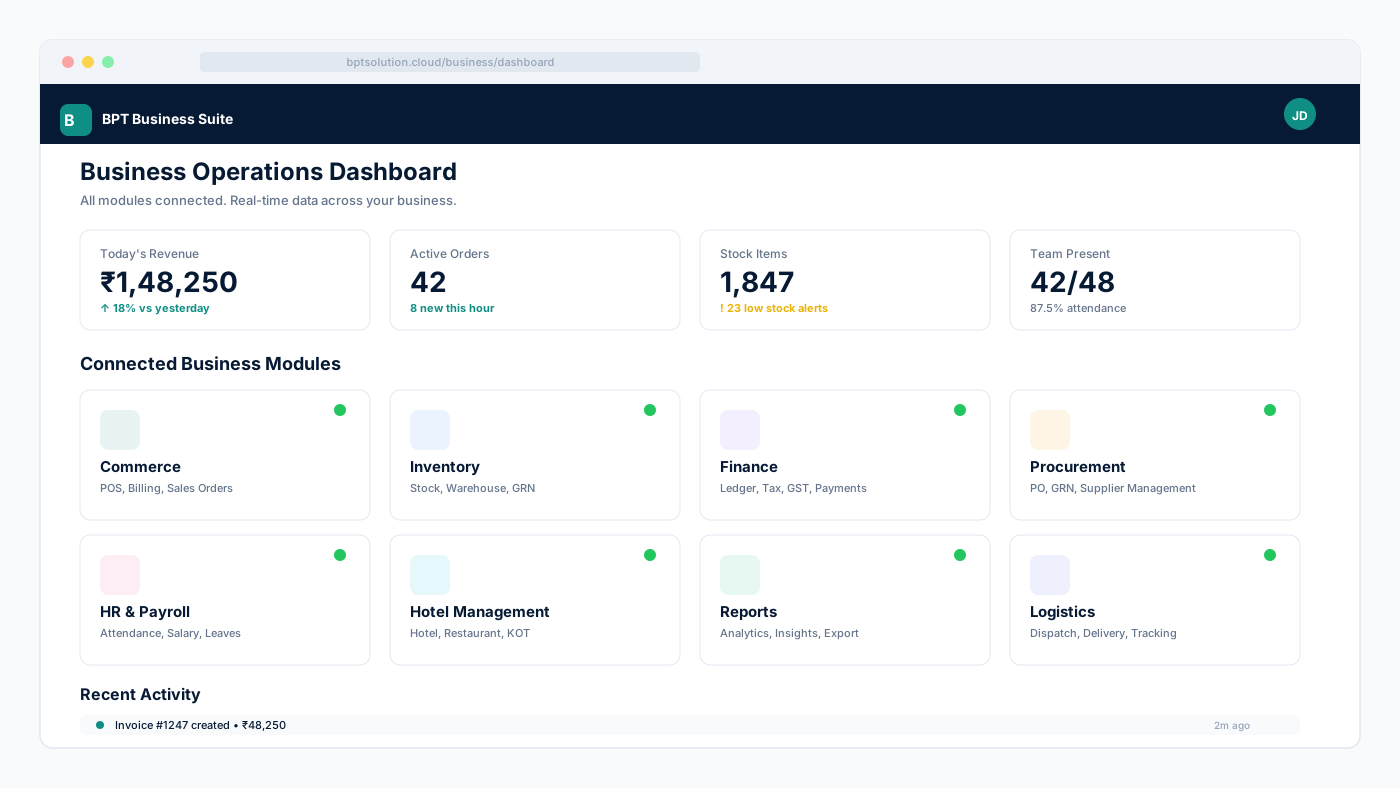
BPT Solution Cloud business modules preview

18 areas

Plan decides what opens for each company

6 families
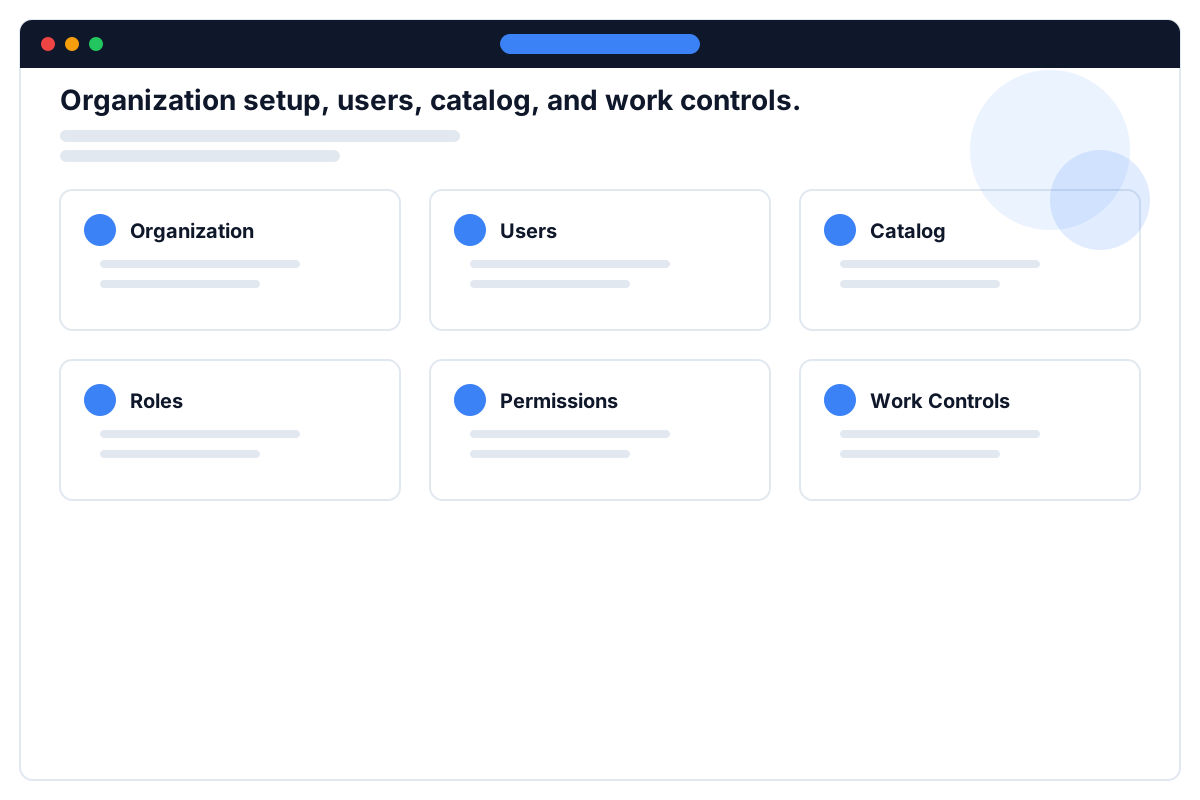
1/6
Company foundation business family preview

Company foundation

3 areas

Company setup, users, catalog, and daily work control

PlatformCatalogWork Ops
Only the modules included in the selected plan open for the registered company.
Available plan packs

Choose a pack by business need

Buyers see included business areas, users, outlets, and renewal direction before registration. The full form uses the same live plan list, so the plan shown here is the plan used for OTP and company creation.

Compare all plans

Live plan preview

Included modules come from the configured plan. A custom mix can be prepared during onboarding.
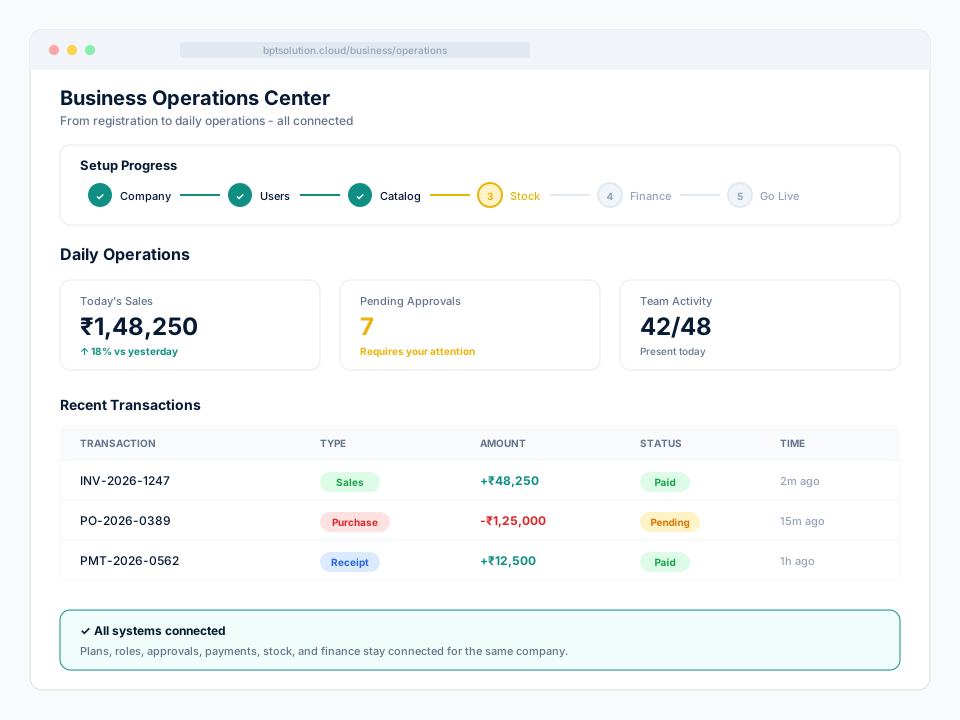
Implementation services

Software with a path to go live

Buying BPT should not leave your team with a login and a blank screen. We help you choose the right starting point, prepare the workspace, test the important work, and keep the next improvement clear.

Business setup and launch planning

Start with the right business areas, plan limits, and a practical order for getting your workspace ready.

Team and channel setup

Prepare users, roles, outlets, approvals, and the channels your team will use every day.

Guided testing and go-live

Walk through billing, stock, payments, reports, and the important handoffs before daily work begins.

Ongoing business support

Keep the next change clear as your team adds people, outlets, workflows, and new business areas.

See plan packs and start

A clearer first month

From registration to confident daily work

Every stage answers the question a business owner actually has: what should we do next?

Choose

Right plan

Prepare

People and data

Test

Real workflows

Go live

Confidently

Clear ownership
Visible next step
Connected records

BptAiSupport

Plug-and-play support, with AI when you want it

Add a support layer to your business website or workspace without replacing the product underneath. Start with reliable non-AI support flows, then add AI assistance without rebuilding the customer journey.

Without AI: dependable support flow

Use managed answers, FAQs, tickets, history, callbacks, and attachments from one familiar support entry point.

With AI: faster first response

Add AI-assisted answers, language-aware conversations, and suggested next steps when your business is ready.

Connect approved business actions

Keep private workflows behind configured connectors and authorization instead of exposing internal systems to the browser.

Keep human handoff visible

Escalate from chat to a tracked ticket or callback request so the customer and support team know what happens next.

See the setup path

One plug-and-play entry point

Choose the support mode your business needs

The widget can start with deterministic support flows and add AI assistance later without changing the customer entry point.

1

Chat

Ask a question

2

FAQ

Use managed answers

3

Ticket

Track the handoff

4

Callback

Talk to the team

Guided supportAI-assisted support

The host website keeps its own identity and navigation. BptAiSupport appears as an embeddable support layer when enabled.

A connected operating picture

What stays manageable after launch

Connected

Permissions and approvals

1/4

Users see only their allowed modules and sensitive actions can require approval, OTP, reason, and audit trail.

Guided setup after registration

2/4

Your selected plan opens the right business areas and shows what to set up first: items, stock, accounts, users, and payment/SMS/email settings.

Traceable transactions

3/4

Bills, payments, stock movement, approvals, number series, and posting keep business references visible.

One business record

4/4

POS, inventory, finance, reports, and future mobile flows work from the same organization data.

How it stays manageable

Clear registration, simple setup, no hidden guesswork

BPT Solution Cloud is designed so an owner can register the organization, understand the selected plan, and hand daily work to operators without explaining technical setup.

Permissions and approvals

Users see only their allowed modules and sensitive actions can require approval, OTP, reason, and audit trail.

Guided setup after registration

Your selected plan opens the right business areas and shows what to set up first: items, stock, accounts, users, and payment/SMS/email settings.

Traceable transactions

Bills, payments, stock movement, approvals, number series, and posting keep business references visible.

One business record

POS, inventory, finance, reports, and future mobile flows work from the same organization data.